Create one continuous cinematic 3D aerial camera move between the…
Промпт
Create one continuous cinematic 3D aerial camera move between the supplied start frame and end frame. Image 1 is the exact first frame. Image 2 is the exact final frame. The street located near x 41.7%, y 28.5% in Image 1 is the same street that reaches x 26.8%, y 82.9% in Image 2. Use this street as the main visual anchor and continuous travel route. Camera movement: The camera smoothly flies forward along this exact street while gradually moving left and upward. At the same time, it performs a subtle continuous yaw and perspective adjustment, naturally transforming the viewing angle from Image 1 into the angle shown in Image 2. The movement should feel like a controlled aerial drone or 3D map navigation shot, not a zoom or crossfade. Maintain constant forward momentum and gentle parallax between buildings, roads and trees. Slow down naturally during the final 15% of the video and settle precisely into the composition of Image 2. The final frame must closely match Image 2: - identical street direction and road layout; - the target rounded building in the same position; - matching camera altitude, angle, scale and framing. The blue location marker with “2003” must NOT be visible during the camera flight. Only after the camera has completely arrived and stopped at the final composition, hold the clean city view briefly, then make the marker appear above the target building with a quick polished pop-up animation: opacity 0 to 100%, scale 70% to 108% to 100%, slight upward movement, duration about 0.35 seconds. Preserve: the clean miniature-like 3D architectural style, warm daylight, white buildings, green landscaping, detailed road markings and realistic soft shadows. Do not: change the city layout; invent or remove streets; morph buildings; bend the anchor street; teleport the camera; use a crossfade; reveal the final marker early; deform the marker or change the text “2003”; add any other labels, pins, text or camera cuts.
Сделано на модели Seedance 2.0. Скопируй промпт, поменяй под себя и запусти — попробовать бесплатно.
Ещё от matvey T.
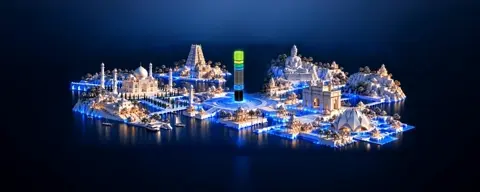 видео 1
An almost still shot. The camera makes an extremely slow…
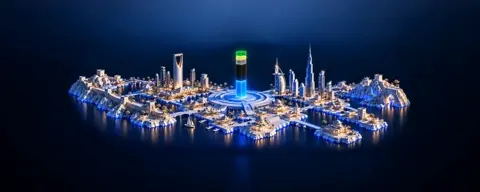 видео 1
A barely perceptible, smooth horizontal camera orbit around…
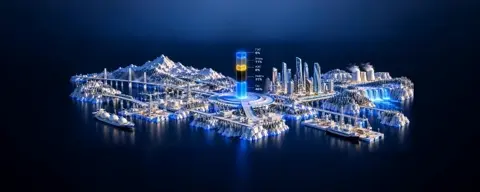 видео 1
A single rigid miniature sculpture, with the landscape,…
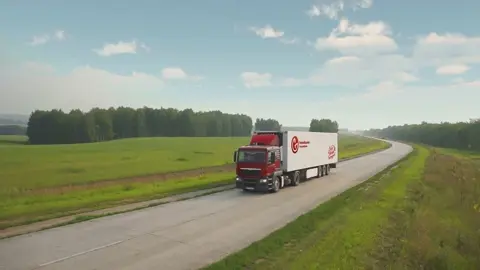 видео
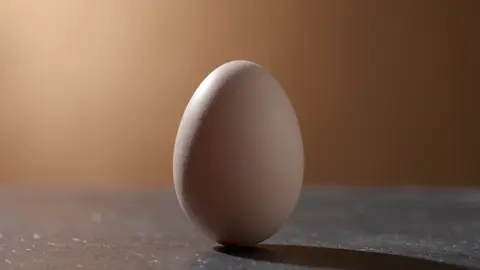
видеоElevated front three-quarter tracking shot. The truck…
 видео
видеоCreate a cinematic live-action macro product shot of a…
 видео
видеоONE continuous 12-second cinematic shot, 16:9. Match the…
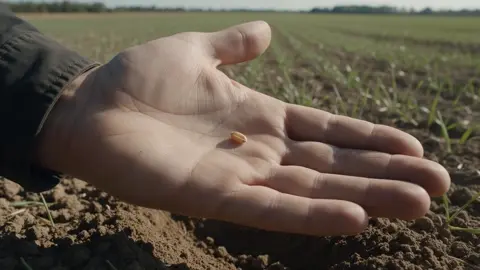
Use the uploaded image as a COMPOSITION reference. Recreate…
 видео
видеоCreate ONE continuous 10-second cinematic shot, 16:9. Use…
Повтори это за минуту
Вставь промпт, поменяй под себя — получишь свой вариант. Без VPN, оплата картой РФ и СБП.
Попробовать бесплатно →