Create one continuous camera move between the supplied first and last…
Промпт
Create one continuous camera move between the supplied first and last frames. Begin with the wide overview map, then smoothly push in toward the LOWER-LEFT corner, arriving exactly at the supplied final close-up. Use a fast, elegant “whoosh” movement: smooth acceleration, a quick push-in, then gentle deceleration. Add subtle directional motion blur during the fastest movement only. Finish perfectly sharp and hold the final frame steady. Only the camera moves. The landscape remains completely static: trees, forest, buildings, roads, terrain and existing labels retain their exact shapes and positions. No trembling trees, flickering, texture shimmer, warping or changing details. No cuts, crossfades or dissolves. No camera shake, sudden jumps, overshoot, added objects or new text. Keep the movement fluid and controlled, like a precise drone camera push-in across the same scene.
Сделано на модели Kling 3.0. Скопируй промпт, поменяй под себя и запусти — попробовать бесплатно.
Ещё от Roman
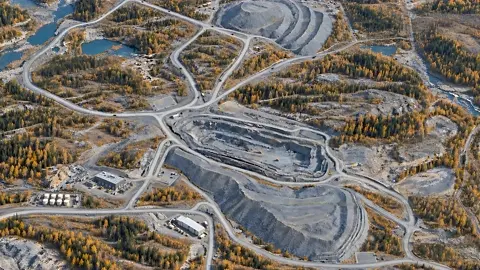 видео
видеокамера приближается к левому нижнему углу карты где…
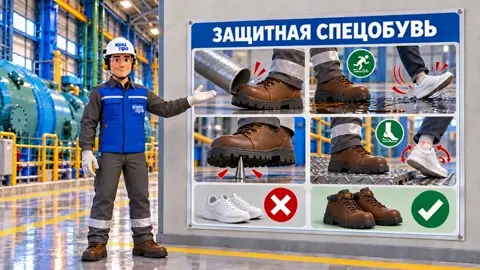 видео
видеокамера орбитально движется очень медленно вправо. не плывет…
 видео
видеоOne continuous 4-second hyperrealistic live-action shot.…
 видео
видеоDisney Pixar-quality stylized 3D animation, premium…
 видео
видеокамера приближается орбитальносправа на лево к работнику не…
 видео
видеоработник поправляет трубы, камера наезжает крупный план как…
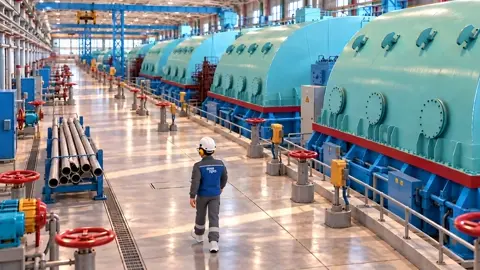 видео
видеоis the exact starting frame and the reference for the…
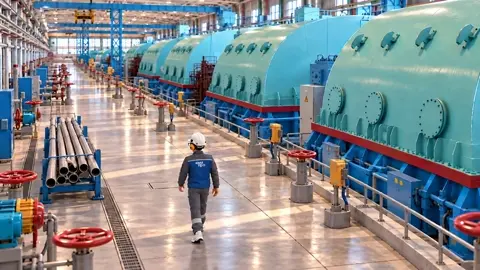 видео
видеоработник идет по цеху, проходит мимо труб,и останавливается…
Повтори это за минуту
Вставь промпт, поменяй под себя — получишь свой вариант. Без VPN, оплата картой РФ и СБП.
Попробовать бесплатно →