TRANSITION FROM @Image1 TO @Image2 — CONTINUED FORWARD APPROACH,…
Промпт
TRANSITION FROM @Image1 TO @Image2 — CONTINUED FORWARD APPROACH, SLIGHTLY LEFT: @Image2 is not a separate map fragment and does not enter from outside the frame. It is a closer view located INSIDE the same map shown in @Image1. After all elements on @Image1 have been revealed, the camera continues moving FORWARD, deeper into the same first map. The zoom target is positioned slightly LEFT of the center of @Image1. The dominant movement is a strong, clearly visible forward approach. At the same time, the camera shifts only slightly to the LEFT to reach the exact area represented by @Image2. Do not move downward. Do not make @Image1 exit the frame. Do not bring @Image2 in from the bottom-left or from any edge. The visible geometry of @Image1 must naturally enlarge until the closer internal area precisely matches @Image2. This must look like a continuous physical camera approach toward a specific slightly-left area within the same engineering map — not like switching between two separate images, sliding one image over another, morphing, crossfading, or cutting. SHOT 2 — @Image2: Smoothly decelerate when the closer view naturally reaches the exact framing of @Image2. Maintain subtle controlled camera movement without jitter or additional automatic zooming. Sequentially trace every marked zone and engineering structure using a thin WHITE holographic outline only. After each white perimeter is fully completed, reveal the subtle interior illumination in the EXACT ORIGINAL COLOR shown in @Image2. Then reveal the original attached leader line, caption plate, and unchanged Russian text. Keep every completed element illuminated, stable, motion-stabilized, and rigidly attached to its exact position.
Сделано на модели Seedance 2.0. Скопируй промпт, поменяй под себя и запусти — попробовать бесплатно.
Ещё от Roman
 видео
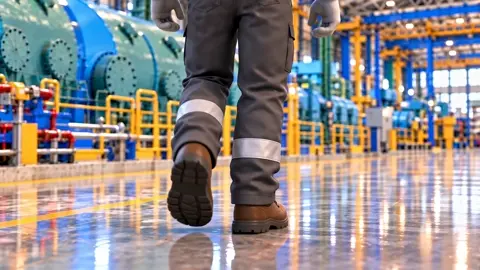
видеоDisney Pixar-quality stylized 3D animation, premium…
 видео
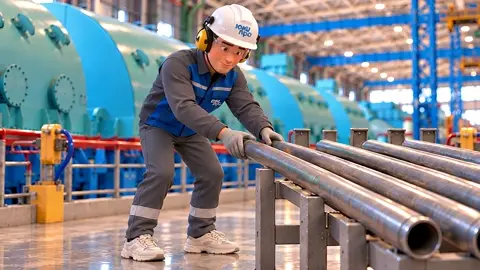
видеокамера приближается орбитальносправа на лево к работнику не…
 видео
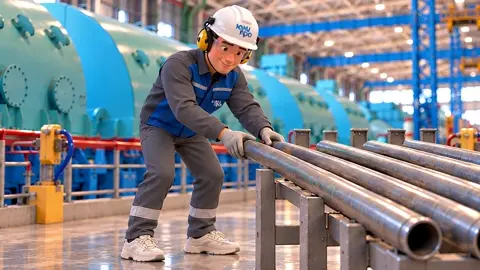
видеоработник поправляет трубы, камера наезжает крупный план как…
 видео
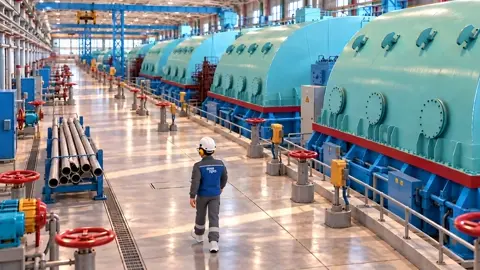
видеоis the exact starting frame and the reference for the…
 видео
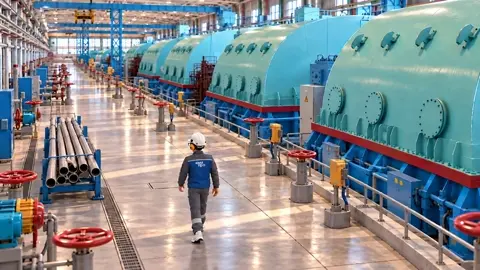
видеоработник идет по цеху, проходит мимо труб,и останавливается…
 видео
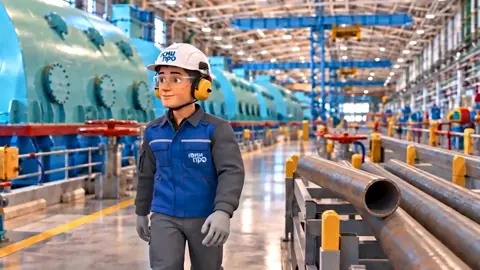
видеоработник идет по производственному цеху, останавливается у…
 видео
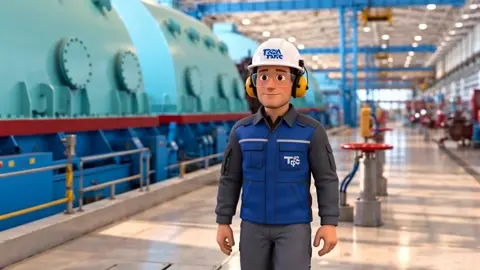
видеоработник идет по производственному цеху, камера от него…
 видео
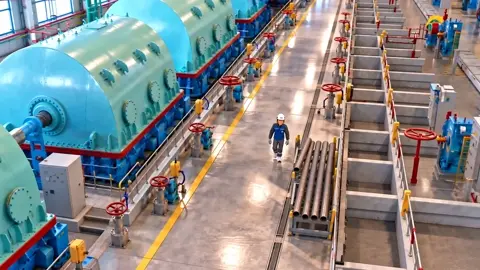
видеоCreate an 8-second continuous 3D animated shot. REFERENCE…
Повтори это за минуту
Вставь промпт, поменяй под себя — получишь свой вариант. Без VPN, оплата картой РФ и СБП.
Попробовать бесплатно →